
I created my WordPress Website Development service specifically for web designers who want to design websites for WordPress without actually having to use or develop the websites in WordPress themselves.
That may be because they don’t know how to code, they find WordPress confusing or intimidating, or they would rather spend their time designing instead of developing.
But what if you actually want to build your own WordPress websites?
- Maybe you’ve been designing for other platforms like Squarespace or Wix and you want to branch out to WordPress.
- Maybe you’ve tried using WordPress in the past and you’ve wanted to throw your computer out of the window because it’s complicated or overwhelming.
- Maybe you feel like you can’t use WordPress because it requires you to be able to code.
- Maybe you’ve never used WordPress before and don’t want to have to invest in hosting and a domain just to try out the platform.
- Maybe you’re already using WordPress but you feel restricted by third-party page builders like Divi and Elementor, or the websites you build are having performance issues because of these page builders.
Because if you’re a web designer who wants to start building websites with WordPress, or you’re already building websites with WordPress but want to up your game, I have something for you!
I’ve created a membership for web designers who want to learn WordPress development!
More specifically, I’ve created a Patreon!
My Patreon is where I share all the knowledge and experience I’ve gained from working as a web developer for over a decade, and from using WordPress since 2008!
I created it for for web designers who are interested in learning more about the technical side of building and maintaining WordPress websites, and who would like to go behind the scenes of my own WordPress development business.
Although if you’re not specifically a web designer (maybe you’re a developer or just someone who wants to learn how to build your own websites) you are welcome to join too.
What you can expect from the membership
My goal is to create a “living library” of content that will evolve and grow over time, ensuring that you have access to up-to-date information about WordPress. As a member, you get to influence the content within the library by suggesting trainings and voting for the content you want to see next.
Each month I’ll be sharing a variety of new content with you. This includes:
- WordPress trainings (with a specific focus on building websites with the block editor)
- Technical trainings (domains, hosting, emails, technical SEO, etc)
- WordPress news and updates
- Tool and resource recommendations
- Copy and paste code snippets
- Behind the scenes of my business and my web development work
- Thought pieces (I’ve got a lot going on in this head!)
- Discounts on future products and services I launch
There is already be a growing collection of content ready for you to explore as soon as you join.
What’s already available inside the membership?
There’s already over 40 posts inside of this membership. This includes:
My approach to building WordPress websites (and how it’s evolved)
In this video I talk about my approach to building WordPress websites for my clients and how it’s evolved over time. When I asked my list and Instagram followers what they most wanted to know about WordPress and web development, this was the most requested training!
How to build WordPress websites for free (without paying for a domain or hosting!)
In this training I show you how to create WordPress websites for free, without having to pay for a domain or hosting. This is a perfect place to start if you are brand new to WordPress and you don’t want to commit to investing in a domain or hosting just to try out the platform.
WordPress Themes: What’s the difference between Classic and Block themes?
There’s also a training on the difference between classic themes and block themes in WordPress. I will be showing you how to actually build your own block themes in this Patreon, but first we have to start with some theory about the difference between the two types of WordPress themes.
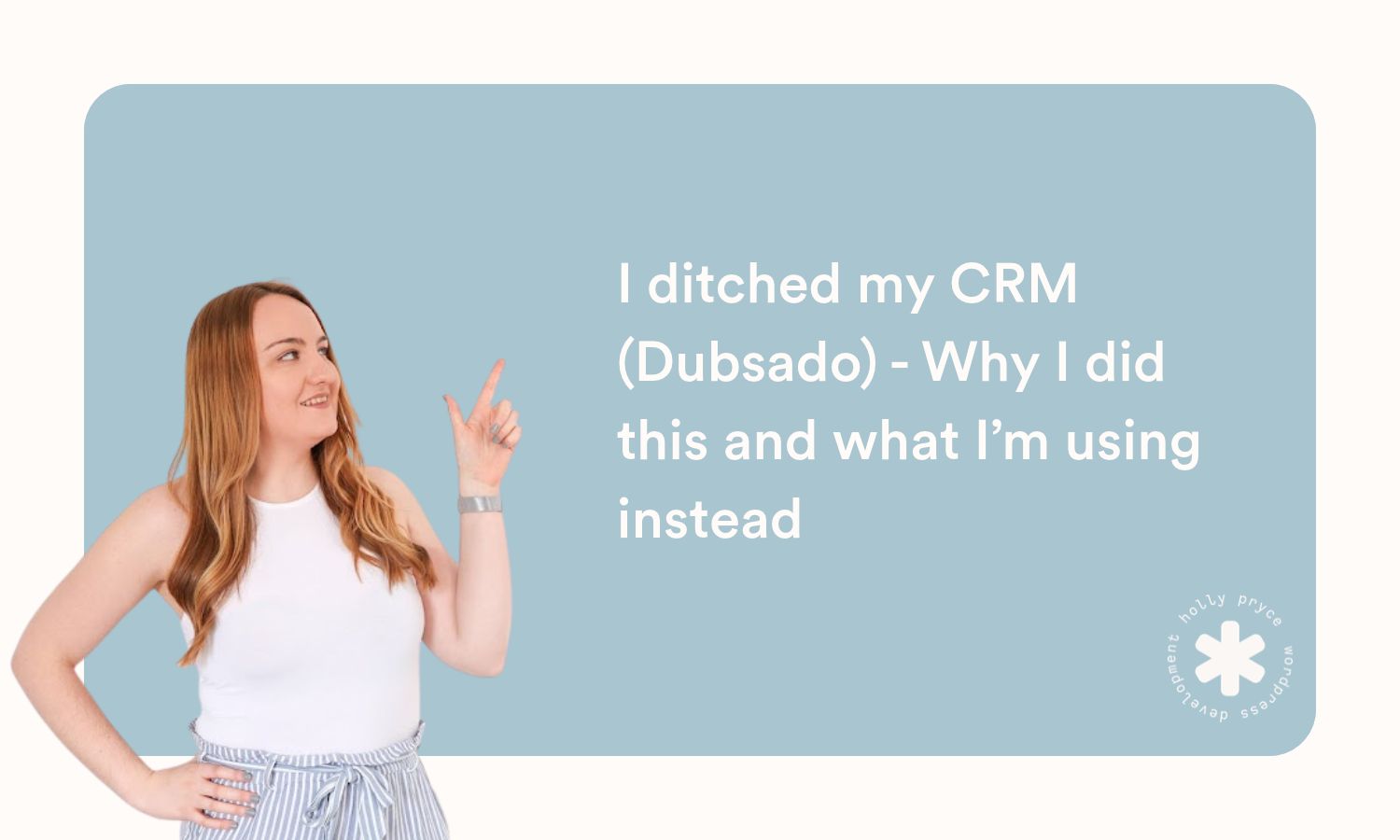
I ditched my CRM (Dubsado) – Why I did this and what I’m using instead
As well as trainings, I’ll be sharing behind the scenes snippets of my own web development business. For example, I’ve written a post all about why I ditched my CRM (Dubsado) and sharing which tools I am using in my business instead.
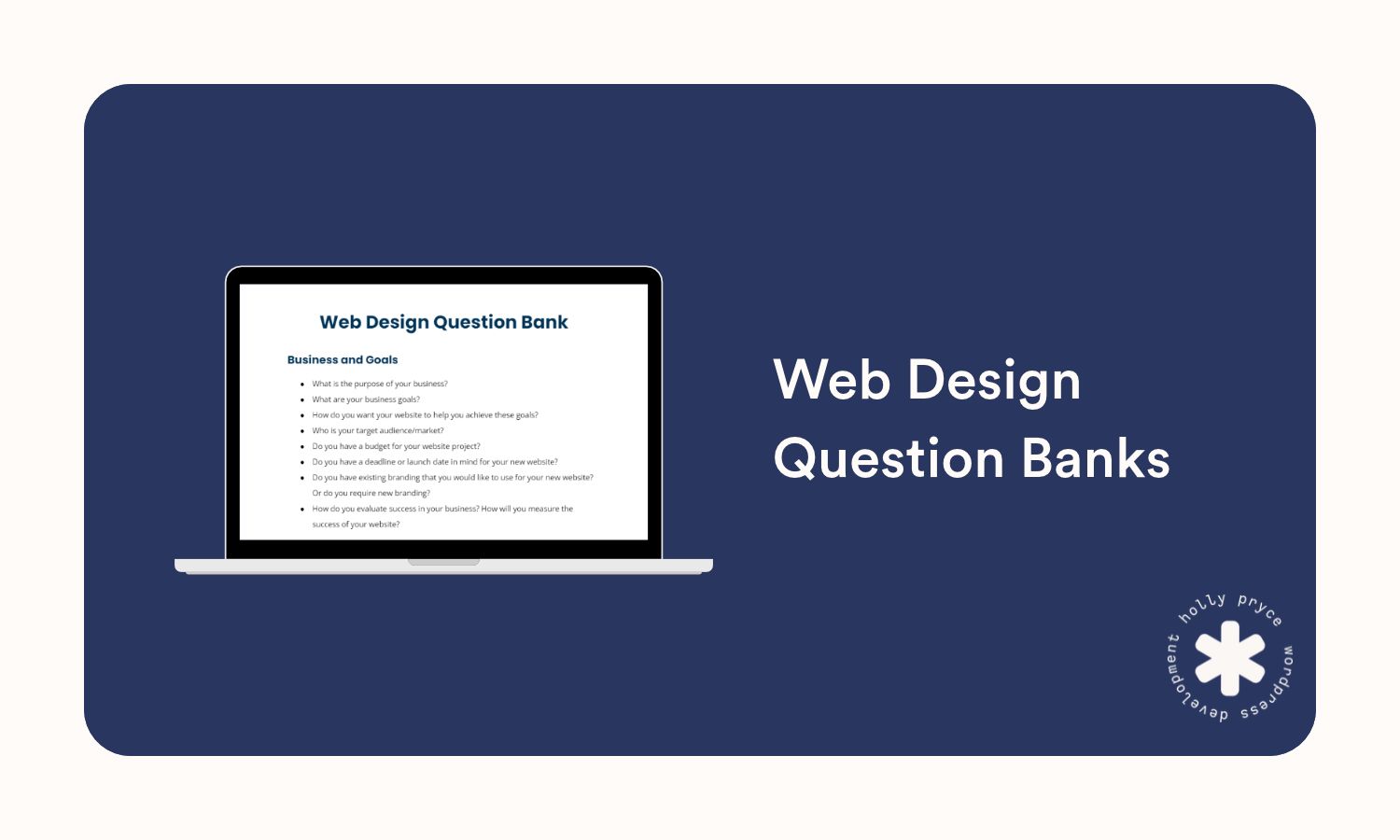
WordPress Design Question Banks
You’ll be able to access my Web Design Question Banks that were previously for sale on my website. I have curated the ultimate lists of questions for web designers to ask potential and new clients to help you craft the perfect website for them.
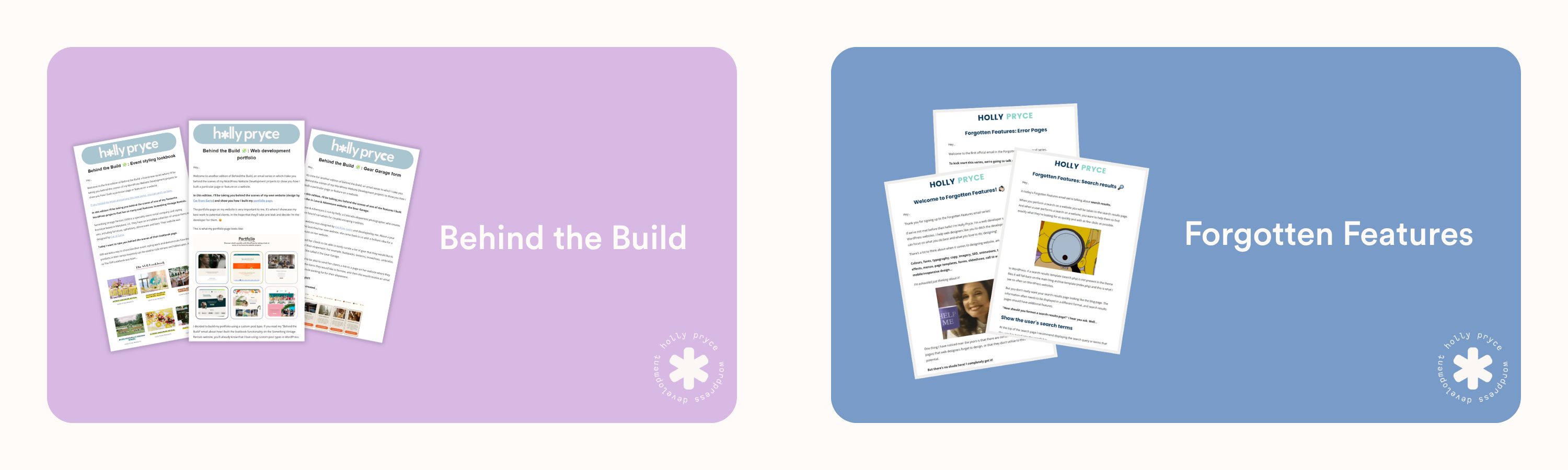
“Behind the Build” and “Forgotten Features”
I’m also re-sharing my two email series that won’t be available anywhere else: “Behind the Build” and “Forgotten Features”. The first few posts in each series are already available for you to dive into.
How much does it cost to join?
In this video I discuss the difference between classic themes and block themes in WordPress. I will be showing you how to actually build your own block themes in this Patreon, but first we have to start with some theory about the difference between the two types of WordPress themes.
You can currently join my membership for just £5 per month (listed at £4.50 on Patreon with VAT added at checkout).
The price you pay when you sign up is the price you will lock in at. As more and more content is added, the monthly price will increase for new members, but if you join today you will be locked in at just £5 per month.
You are welcome to cancel anytime. If you cancel your membership and then return later, you will not be able to access this founders rate again. You are welcome to become a member again, but it will be at the current membership rate.
And just a heads up; if you want to avoid additional fees that Apple charge when you sign up to a Patreon, I recommend you avoid purchasing directly through the iOS Patreon app.


